


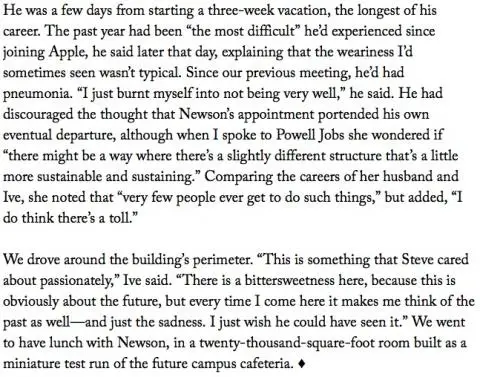
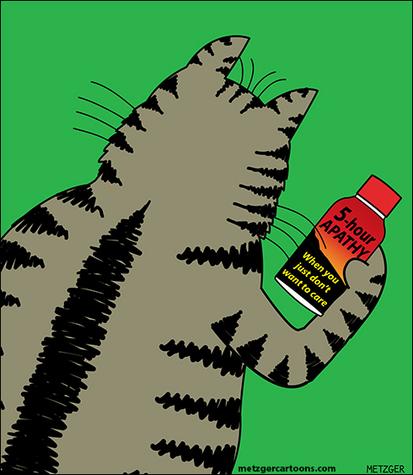
The image shown is from the end of this New Yorker interview with Apple’s Jonathan Ive. If you’ve followed my blog here, you know that I’m interested in design (and wrote this article on how to design products you love), so I read a lot about Jonathan Ive and other designers like Dieter Rams. On the burnout thing, I know I felt that back in 2007. In May of 2007 I was ready to never work again, but by the end of August I was ready to get back to it. Sometimes you just need a break to reboot.
Scala, Java, Unix, MacOS tutorials (page 245)
| Agile! | |
|
Agile Practice Guide |
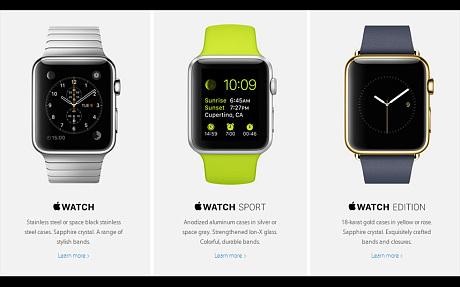
In this Telegraph article, Tim Cook reveals what the Apple Watch may be good for: “I’m now so used to getting all my notifications and all my messages.” He also adds, “This will be just like the iPhone: people wanted it and bought for a particular reason, perhaps for browsing, but then found out that they loved it for all sorts of other reasons.” I haven’t worn a watch since the 1990s, so I’m curious to see how this turns out.
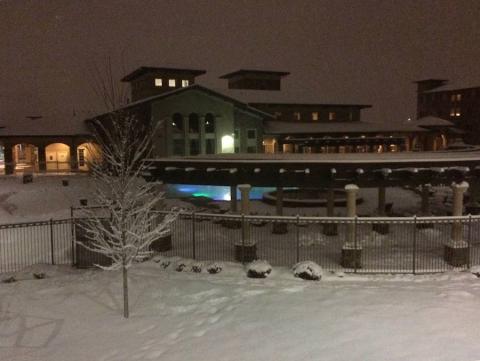
I love the optimistic attitude of people in and around Boulder, Colorado. We may get 22” of snow in the next few days, but the swimming pool is still open.
I’ve been working on an Android app that uses a navigation drawer, and uses fragments for each item in the drawer that you tap on. One of the items in the nav drawer is a “Preferences” item, so when I tap on that item, I run the following code from my nav drawer code:
Here’s a short example of how to use an Intent to launch an Android Activity, while also adding some data (an “extra”) to the activity-launching process:
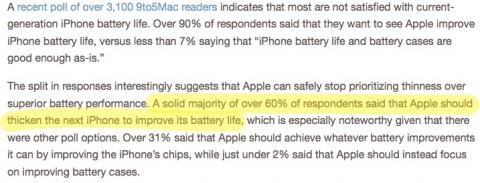
In a survey of over 3,000 readers, 9to5Mac reports that 60% of their readers would trade a thicker iPhone to help improve battery life.
The following Java source code shows how to determine the screen size (dimensions) of the Android device your application is running on:
This is a collection of notes about what I learned today, February 23, 2015. Most of it is about Android.
I need to refresh my cursor data set before calling notifyDataSetChanged
When (a) adding, editing, or deleting items in a ListView and (b) using a CursorAdapter, I need to update my cursor object before calling notifyDataSetChanged.
I created this method, which I call from my fragment’s onResume method:
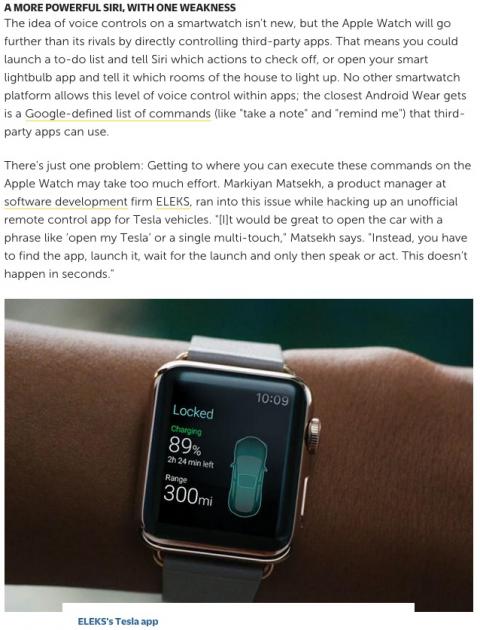
The comment shown from this FastCompany article seems to imply that either the Apple Watch is slow, or navigation is slow. “This doesn’t happen in seconds” doesn’t sound good.
This page has a nice collection of mostly handwritten logos (handwriting and fake handwriting).

As an Android developer, you can normally use the adb push command to copy files from your computer’s hard drive to an Android device. However, I just ran into a problem where I couldn’t copy files to my Android emulator’s “data” directory, i.e., the /data/data filesystem. When I tried to copy a file using this command:
$ adb push foo.jpg /data/data/com.alvinalexander.myapp/files
I got this Android error:
If you ever need to get the root data directory of your Android application (app) from within your Java code, I can confirm that this approach works:
File rootDataDir = getActivity().getFilesDir();
When I log that directory like this:
Log.i(TAG, rootDataDir.toString());
it prints this output for my application:
/data/data/com.alvinalexander.mynewapp/files
where com.alvinalexander.mynewapp is the package name for my new Android app.
| Agile! | |
|
|
Agile Practice Guide |