


Doc Martin is a great show, basically the UK’s version of Northern Exposure (which is a good thing).
Scala, Java, Unix, MacOS tutorials (page 308)
| Tiny Changes, Remarkable Results | |

|
Atomic Habits |

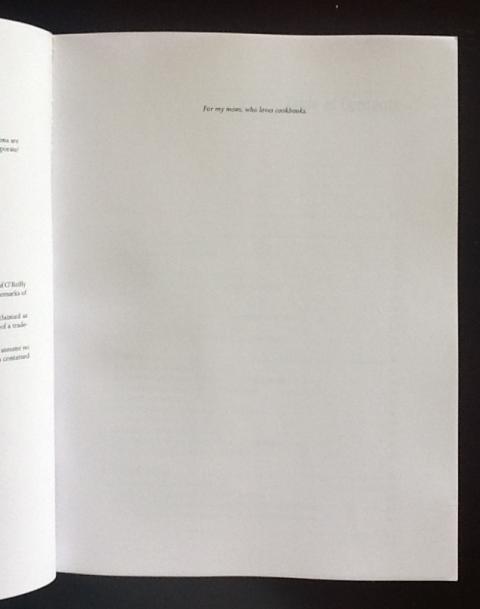
The Scala Cookbook may set the Guiness Record for “World’s smallest printed dedication.” I have no idea why such a small font was used, but it reads, “For my mom, who loves cookbooks.” (My mom is well-known for buying every cookbook she sees, though she usually goes more for Julia Child than Scala.)
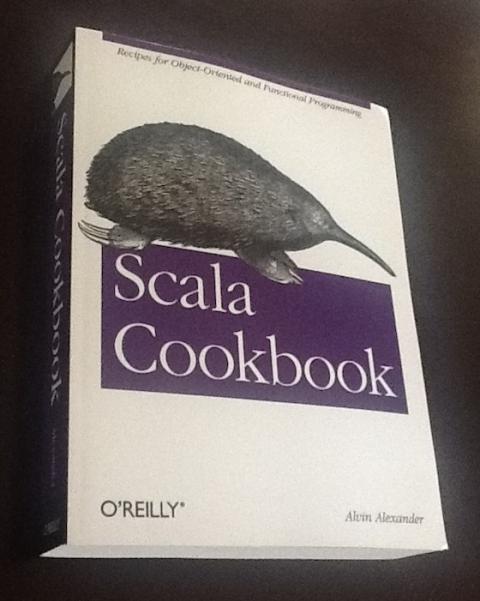
I was just on my way out the door when the FedEx delivery person delivered this surprise, the first printed copy of the Scala Cookbook.
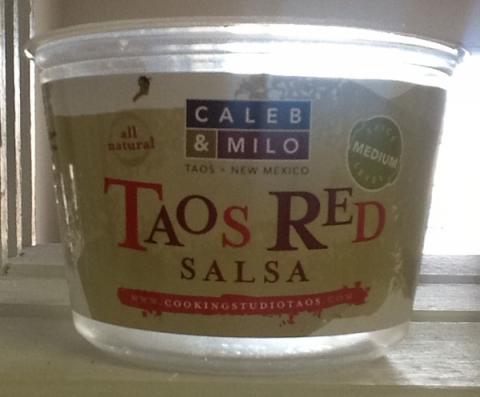
This red salsa is the bomb. I need to make a foodie tour of Taos and Santa Fe again, soon.
August 12, 2013: The Scala Cookbook eBook is half price today as the O’Reilly eBook deal of the day. Use the following link and the coupon code “DEAL” to get the discount: http://oreil.ly/16A2mqZ
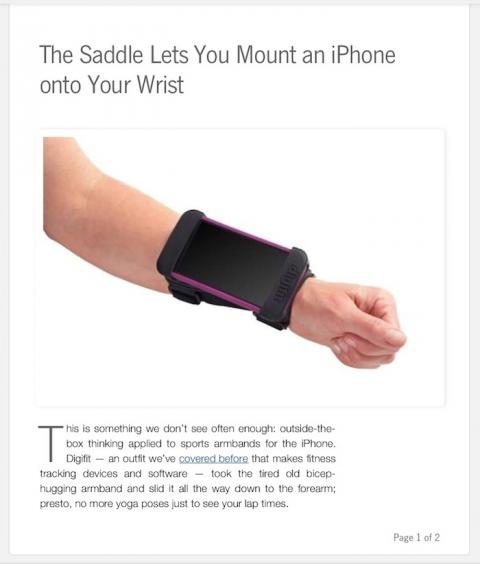
The Apple iWatch? I have to admit, the first time I thought iWatch, this image came to mind (though I thought of using duct tape).
As I’ve gotten back into client-side web development -- specifically using Sencha Touch 2, a JavaScript framework -- I’ve quickly run into a problem in the Chrome JavaScript debug console. When I try to use console.debug() to debug an object, I get this non-useful output about the JavaScript object I’m printing:
[Object object]
There may be better ways to print the desired object, but I quickly discovered this trick to printing all of the properties of a JavaScript object:
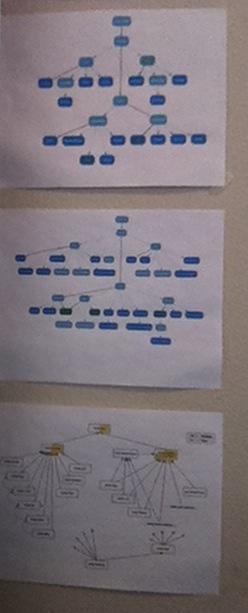
When I first started working with Scala, I thought I’d need to really, really understand the Scala collections class hierarchy. After a while, I realized that wasn’t necessary; I just needed to focus on what was important.
As a quick note to self, as I configure my “Mini-Me” application, which has a client written with Sencha Touch 2, and a Play Framework server, I used this Nginx proxy pass configuration:
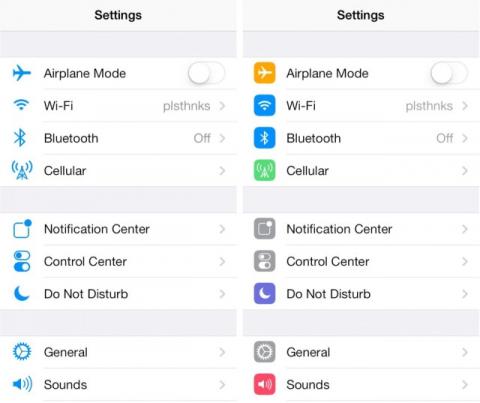
Icons in iOS 7 Beta 5 show a few more changes, included these. This image shows the icons before (left) and after iOS 7 Beta 5. Source: cultofmac.com
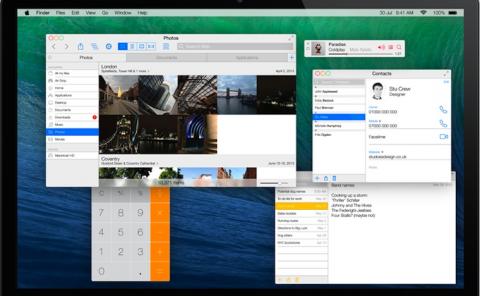
This is a designer's concept of Mac OS X with the iOS 7 look and feel. The other prototypes are at this link. These look fun and clean, but the feature I want most is to have rows and columns with Mac Spaces. #argh
This is a short example of how to create a Play Framework Controller method that returns JSON. I’ve written this brief tutorial assuming you already know the basics of Play, i.e., what a Controller is, where the routes file, and how to run Play.
As you’ll see, it’s pretty simple. (Or, as a friend says, “It’s obvious ... once you know how to do it.”)
There are a number of ways to work with Scala Futures, and I provide examples of those approaches in the Scala Cookbook.
If you’re new to Futures, a fun exercise is to try to determine what happens in your code when you use a certain technique. For instance, when you look at the following Scala source code, what do you think it will print?
| Tiny Changes, Remarkable Results | |
|
|
Atomic Habits |