In case I’m not the last person in the world to know about this ... if you shop at Amazon.com, first go to smile.amazon.com, then choose a charity. Once you do that, 0.5% of your purchases at Amazon will go to that charity.
Scala, Java, Unix, MacOS tutorials (page 248)
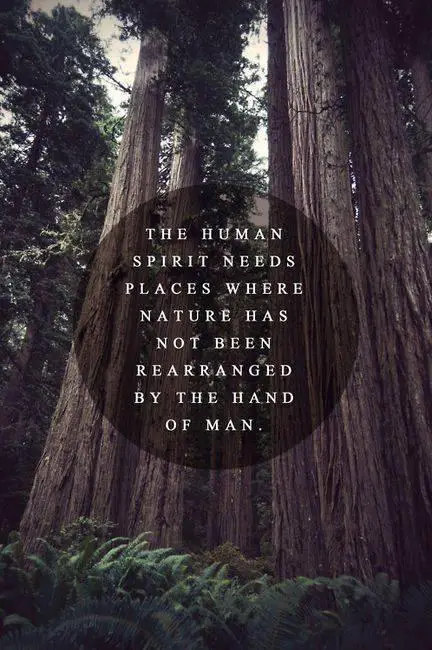
Amen to that. (I don’t know how to link directly to Google+ pages, but this image comes from this person.)
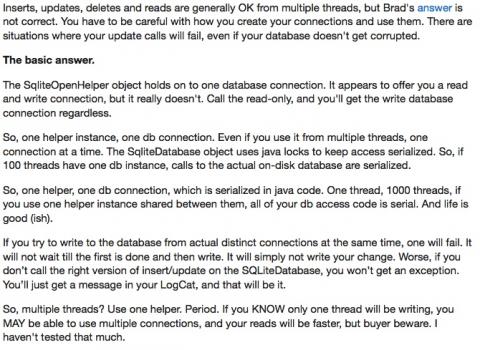
This link has several good comments regarding Android SQLite “best practices,” including handling multi-threading issues and performance.
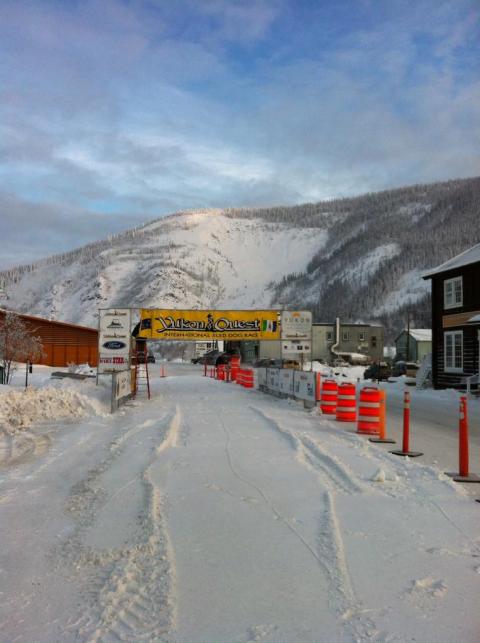
The calm before the storm: The Yukon Quest starting line. (Image from Twitter.)
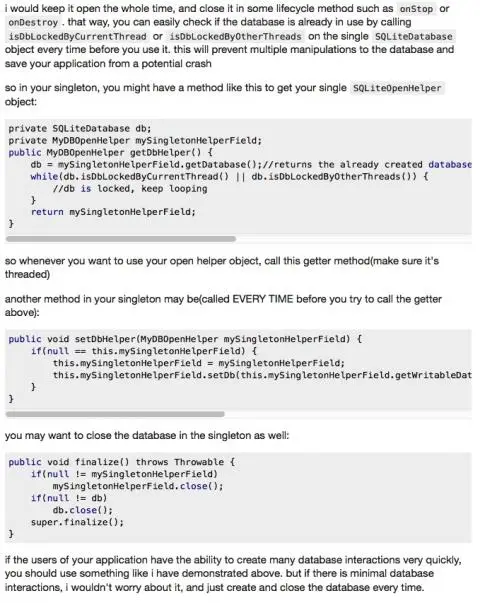
This advice on when to close a SQLite database in an Android app is consistent with what I’ve read in Android programming books recently.
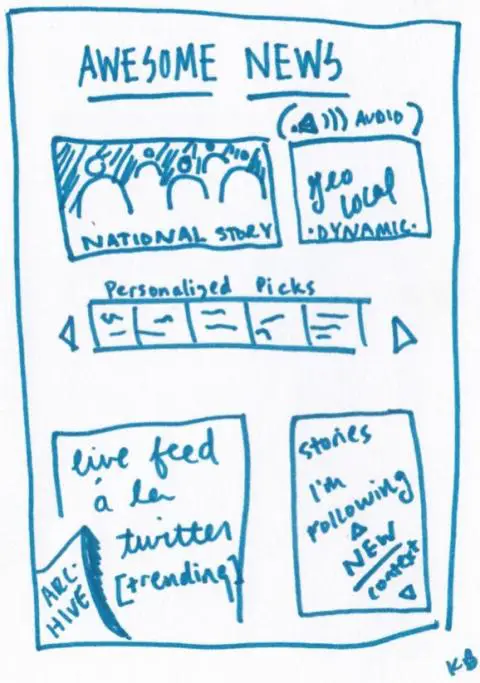
64 ways to think about a news homepage is an interesting read. I’m always glad to see when people are searching for new ideas, especially in regards to this topic.
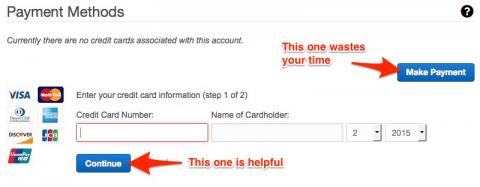
As I just learned, you don’t want to click the button in the upper-right of this web page, unless you like wasting your time. (If you’ve never heard of “Norman Doors,” I recommend checking them out.)
Every winter in Talkeetna, Alaska they have a “Bachelor Auction & Ball.” I don’t know if the photos in this story are safe for work, but if you’re interested, check it out.
“The wise bunny focuses not on that which is lost, but on all that remains.” (From this Twitter page.)
As Android programming goes, creating an options menu item/button in the Android ActionBar is fairly straightforward. In this brief tutorial I’ll demonstrate all of the steps needed to add a new menu item to the action bar.
1) Define the view/layout
The first step is to declare what the menu “view” is going to look like. This is very similar to defining other Android views, you do it with an XML layout file.
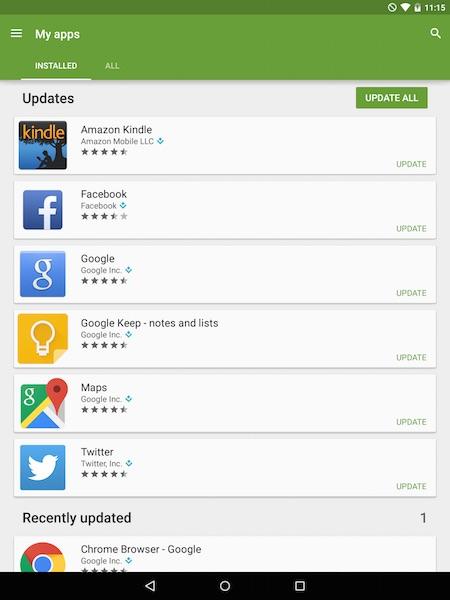
So I looked at my Nexus 9 screen two times about 45 minutes apart, and both times it showed that “Amazon Kindle” was updating itself. “WTF?,” I thought. “What’s taking so long, and why the heck is it updating itself anyway?”
So I double-tapped the update notification and it took me to ... well, some Android app. As you can see from the image, the app doesn’t have a name. The only way I could determine the name of the app was to press the square icon on the bottom toolbar to show all open apps and see that this app is named Google Play.
Personally, I think that’s poor design. If I can go to an (unknown) app from a notification, it sure would be nice if I had some clue as to what that app was. I know I’m exaggerating a little bit here, but I always think of non-techies in situations like this, and wonder how they get by with design like this.

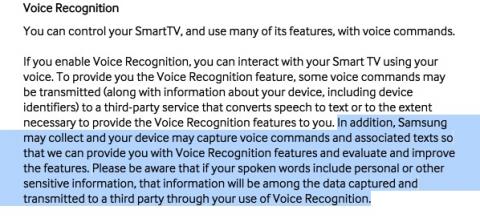
Samsung tvs that can respond to voice commands capture everything you say, and transmit that across the internet, and share that information with Samsung “third parties.” (Image from Twitter.)
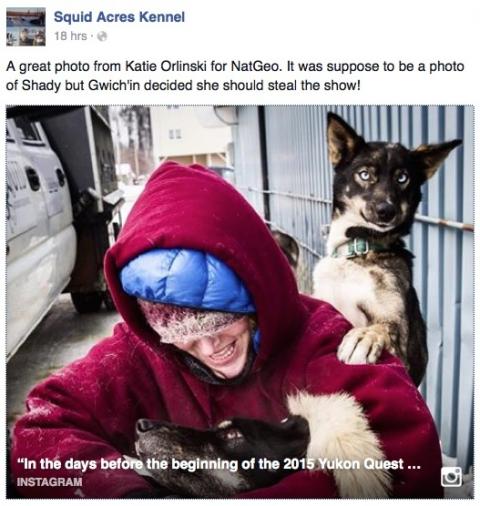
A sled dog named Gwich’in (and friends), getting ready for the Yukon Quest.
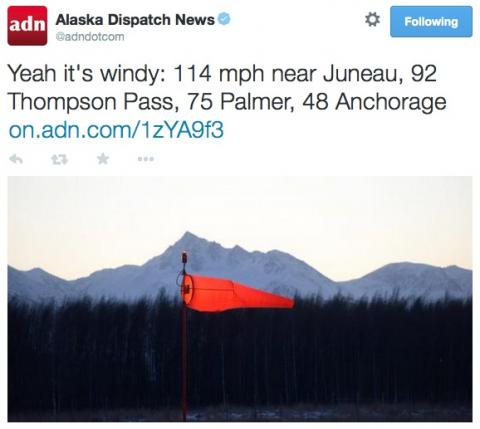
Oh yeah. We had roughly six weeks of winds like this in the winter of 2010-2011 when I lived in Wasilla and Palmer. (Image from here.)